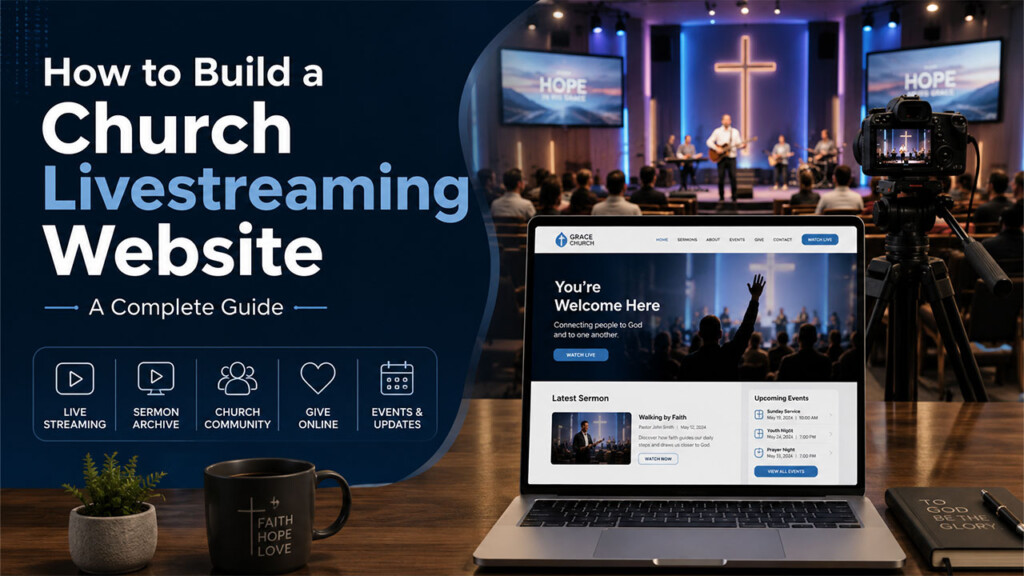

Livestreaming has become an important part of how churches connect with members, visitors, and people who may not be able to attend services in person. While platforms like Facebook and YouTube make it easy to broadcast online, many churches eventually reach a point where they want something more: a livestreaming experience that lives directly on their own website.
In this guide, we’ll look at what you need to build a church livestreaming website and how you can turn that website into a complete digital platform for your church.
Why Livestream From Your Church Website?
Facebook, YouTube, and other social platforms can still be valuable tools for reaching people. However, they do not have to be the final destination for your audience.
When members watch directly from your church website, you have more control over the experience.
Instead of sending visitors to a third-party platform surrounded by unrelated recommendations and distractions, your website can keep the focus on your church, your message, and your community.
A church livestreaming website can also become a central location for:
- Live worship services
- Previous sermons
- Bible studies
- Church announcements
- Events
- Ministries
- Member interaction
- Giving
- Photos and videos
- Community discussions
- Member-only resources
The goal is not simply to add a video player to a page. It is to create a digital destination that supports your ministry beyond the Sunday livestream.
1. Start With a Church Website You Control
The foundation of your livestreaming platform should be a website your church controls.
WordPress is one option because it allows churches to manage their own website while adding functionality as their needs grow.
Your church website should clearly communicate who you are while making important resources easy to find.
At a minimum, consider pages for:
- Home
- Watch Live
- Sermons or Videos
- About
- Ministries
- Events
- Giving
- Contact
If livestreaming and digital ministry are important parts of your strategy, your Watch Live or Videos section should be easy to reach from the main navigation.
2. Choose How Your Livestream Will Be Delivered
The next step is deciding how the live video will reach viewers.
Your cameras and production equipment create the video, but a streaming service or streaming infrastructure is typically responsible for distributing that video to viewers online.
Your exact setup will depend on your church’s size, budget, equipment, and technical requirements.
A basic setup might include:
- One or more cameras
- Microphones or audio from your church sound system
- A computer or hardware encoder
- Internet connectivity
- Streaming software or a production system
- A website where viewers can watch
Larger ministries may use multiple cameras, graphics, presentation software, dedicated production equipment, and more advanced streaming workflows.
The important thing is to choose a solution that works reliably for your church rather than making the setup more complicated than necessary.
3. Create a Dedicated Watch Page
Your church should have a dedicated page where visitors know they can watch live services.
For example:
yourchurch.org/watch
or
yourchurch.org/live
This page should make the livestream the primary focus.
You can also include useful information around the video, such as:
- Service times
- A brief welcome message
- Upcoming events
- Giving options
- Prayer or contact information
- Links to previous sermons
- Ways to join your church community
When the service ends, the page should still remain useful instead of becoming an empty video player.
You might display the latest sermon, upcoming broadcast information, or links to your video library.
4. Build a Sermon and Video Library
Livestreaming is only part of the opportunity.
Every live service can become content that continues serving people after the broadcast ends.
A searchable video library makes it easier for visitors to find previous:
- Sunday sermons
- Bible studies
- Conferences
- Special services
- Ministry programs
- Interviews
- Teaching series
Instead of allowing older videos to disappear into a social media feed, your church can organize them on its own website.
Each sermon can have its own page with a title, video, description, speaker information, topic, and related content.
This can also help people discover your church through search engines when they are looking for teaching on specific subjects.
5. Make the Experience Mobile-Friendly
Many people will watch your church livestream from a phone or tablet.
Your livestreaming website therefore needs to work well on smaller screens.
Visitors should be able to:
- Find the livestream quickly
- Watch without complicated navigation
- Access previous sermons
- View events
- Interact with community features
- Give or contact the church
Test the experience yourself from both Android and iPhone devices.
A beautiful desktop site is not enough if most of your audience has difficulty using it from a phone.
6. Think Beyond the Livestream
One of the biggest opportunities churches have is to stop thinking of the website as simply an online brochure.
A modern church website can become an extension of the ministry itself.
Imagine a member watching Sunday worship from home and then being able to remain on the same church platform to:
- Watch another sermon
- Read an announcement
- View upcoming events
- Join a discussion
- Visit another member’s profile
- View church photos
- Access member content
- Give to the ministry
That is a much more complete digital experience than simply embedding a livestream.
7. Create an Online Church Community
Livestream viewers do not have to remain anonymous visitors.
Community features can give members a reason to return to your church website throughout the week.
Depending on your ministry’s needs, an online church community could include:
- Member profiles
- Activity feeds
- Discussions
- Comments
- Media sharing
- Church announcements
- Private or restricted content
The objective is not to replace in-person fellowship.
Instead, digital community tools can help your website support communication and engagement between services, especially for members who cannot always attend in person.
8. Add Events, Announcements, and Church Media
If people already visit your website to watch services, it makes sense to make that same website useful for other parts of church life.
You can publish:
Events
Promote upcoming worship services, conferences, Bible studies, community events, and ministry activities.
Announcements
Give members a central place to see important church updates.
Galleries
Share photos and videos from church events, ministries, conferences, and community activities.
Bringing these resources together can reduce the need to send members to several different platforms just to stay connected with the church.
9. Decide What Content Should Be Public or Private
Not everything necessarily needs to be available publicly.
Your church may want certain resources available only to registered members or specific groups.
Examples could include:
- Leadership training
- Member resources
- Classes
- Private meetings
- Special video content
- Ministry resources
A membership or access-control system can help you decide who is able to view particular content while keeping public sermons and livestreams available to everyone.
10. Make Your Church Content Search-Friendly
Your church’s videos can also help new people discover your ministry through Google.
Instead of publishing a sermon with a title like:
Sunday Service – August 23
consider using a descriptive title when appropriate, such as:
Finding Peace During Uncertain Times | Sunday Sermon
Then provide a useful description explaining what the sermon discusses.
For important videos, consider including:
- A descriptive title
- Written description
- Relevant headings
- Featured thumbnail
- Transcript or detailed summary
- Related internal links
This gives both visitors and search engines more information about the content.
Your church’s video library can gradually become a valuable collection of searchable ministry resources.
11. Connect Your Digital Ministry Together
The strongest church livestreaming website is not necessarily the one with the most features.
It is the one where everything works together.
Instead of having one service for livestreaming, another location for sermons, another service for community interaction, and another disconnected website for church information, consider creating a more unified experience.
Your livestream can become the entrance to a much larger digital ministry platform.
Build a Complete Digital Platform for Your Church With VideoHub360
VideoHub360 is a WordPress-based platform designed to help churches and other organizations build digital platforms they control.
Churches can bring together features such as:
- Livestreaming
- On-demand videos and sermons
- Community interaction
- Member profiles
- Events
- Galleries
- Announcements
- Membership and content access
- Mobile-friendly experiences
- Custom branding
Instead of building every part of your church platform from scratch, VideoHub360 provides a foundation that can be customized around your ministry.
Your church can continue using social media to reach people while also giving your audience a digital home of its own.
Your Church Website Can Be More Than a Website
Your livestream may be what initially brings someone to your website, but it does not have to be where their experience ends.
With the right platform, your church website can become a place where people watch, learn, connect, participate, and remain engaged with your ministry.
If your church is ready to explore what a complete digital ministry platform could look like, take a closer look at VideoHub360.
View the VideoHub360 Church Demo
Be the first to comment.